How to Create a Digital Business Card with TapMo
A TapMo digital business card brings your professional details into one profile you can share by link or QR code. You can create that profile before deciding whether you want a physical NFC card. Here is the setup, from account creation to a card that is ready to share.
Create your TapMo account
Start by continuing with Google or filling in your name, work email, phone number, and password. Once your account is created, choose Create my card to begin building your first digital card.
Choose your card link and add your details
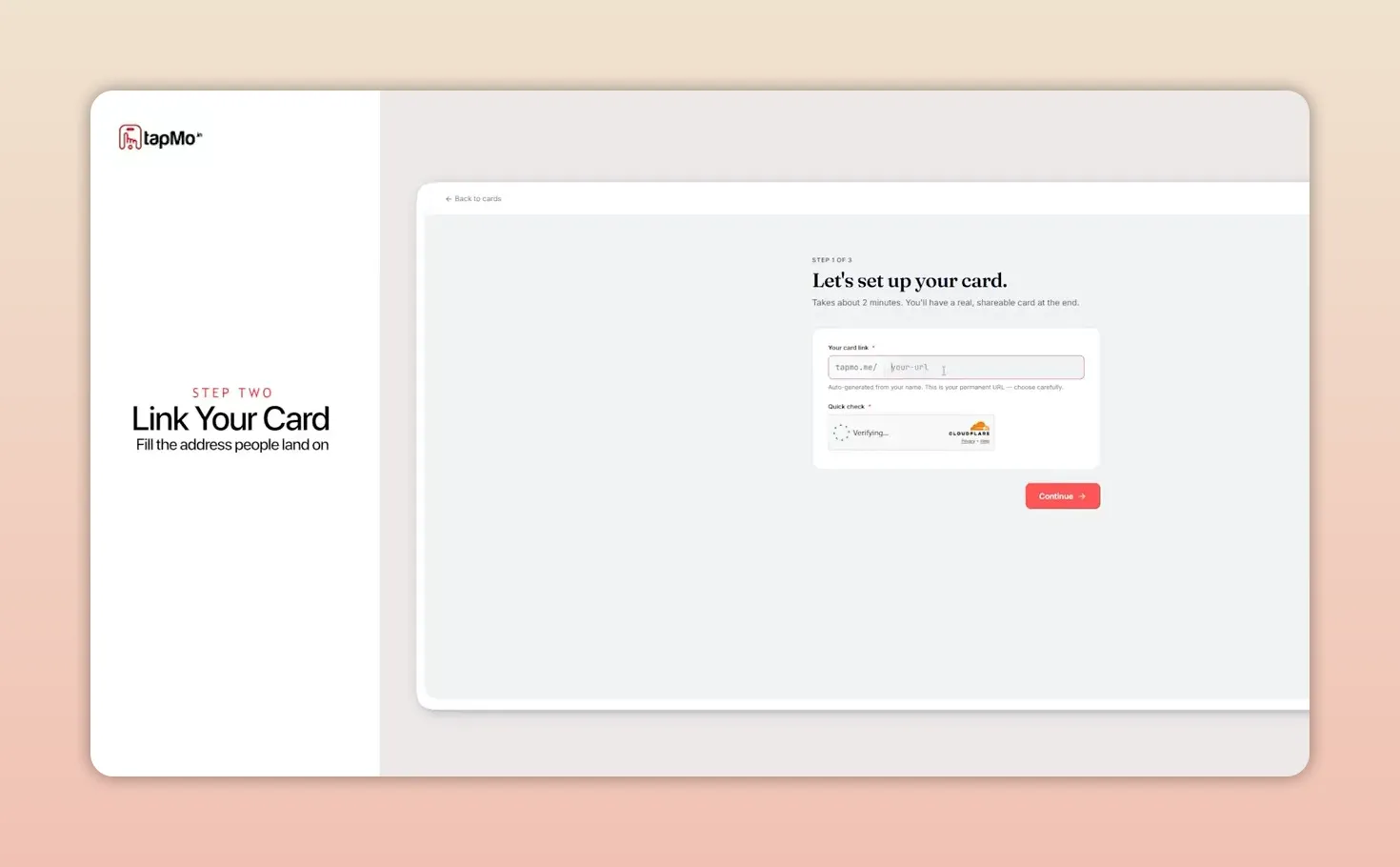
Click Create a card, then choose the unique link for your card. This is the link you will be able to share when your profile is live.
Next, upload a profile photo and enter your full name and occupation. Add your company details and other relevant professional information so the card gives contacts a useful picture of who you are and what you do. Your digital profile can bring together contact details, social media, a website, a portfolio, and other important links.
Pick a style and publish your card
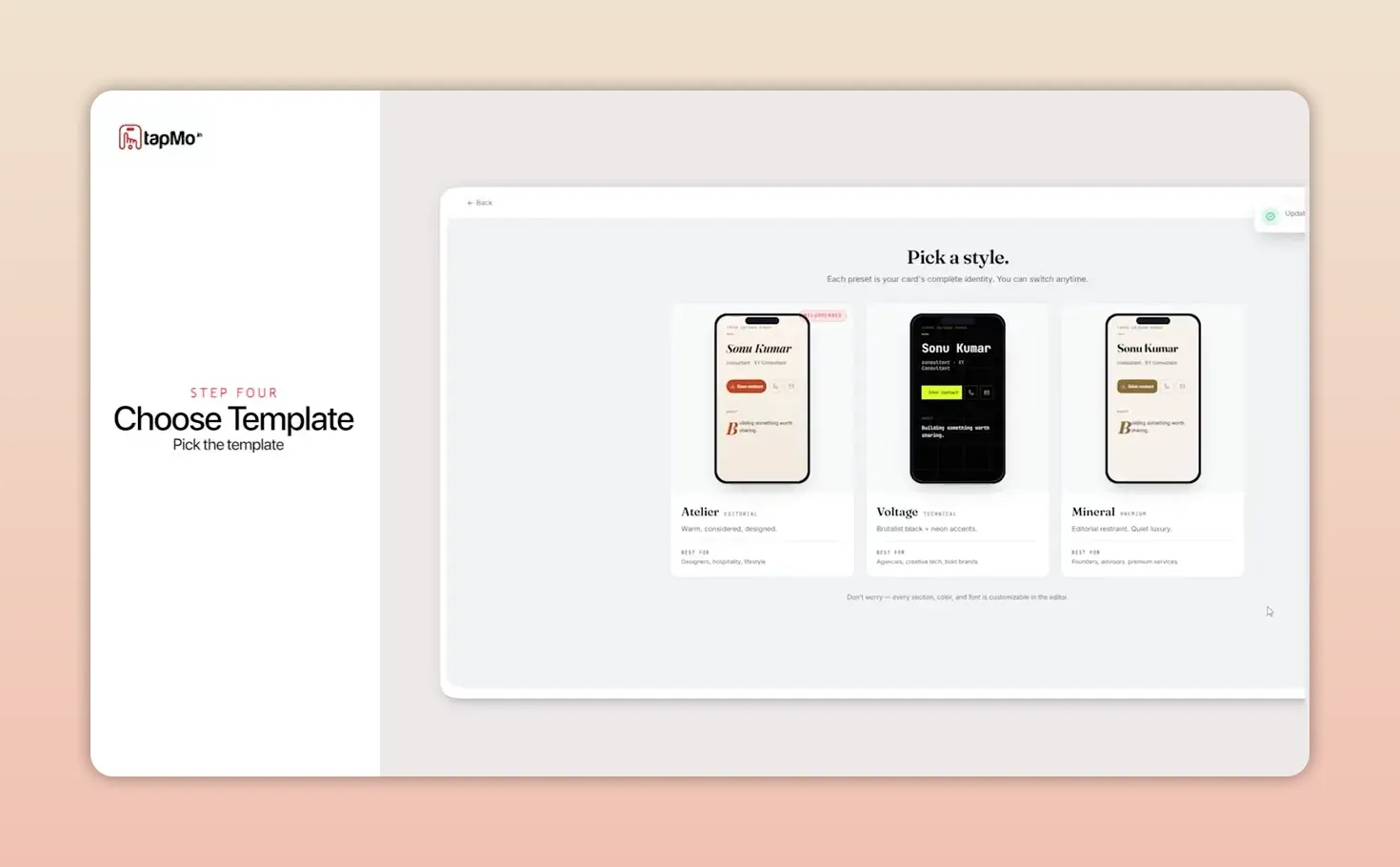
Choose a template that fits your personal brand, then click Continue. Your digital card is now live.
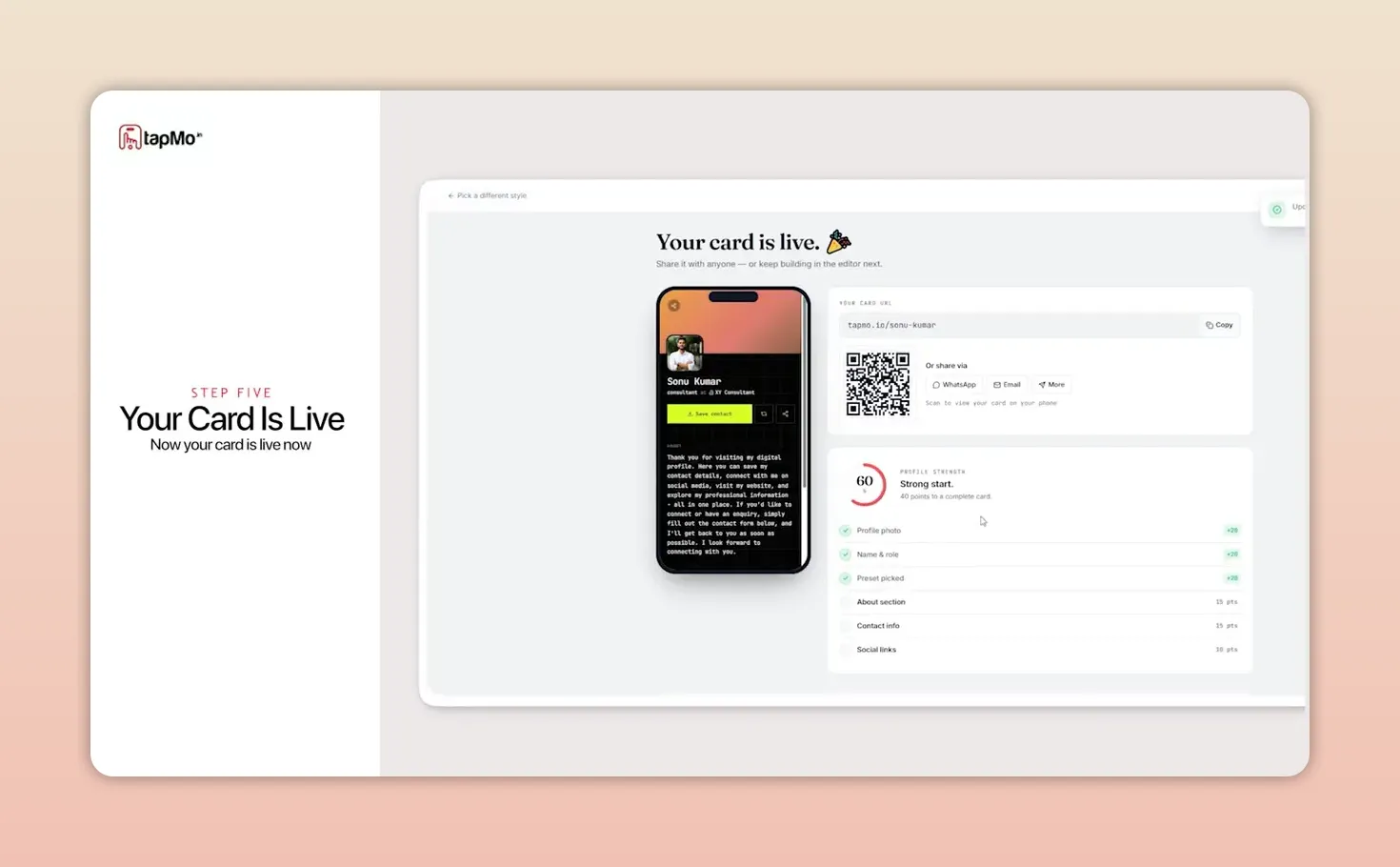
You can share the finished card immediately using its unique link or QR code. Unlike a printed card, your digital profile is not limited to the information that fits on a piece of paper.
Decide whether to add a physical NFC card
After publishing, TapMo offers the option to order a physical NFC business card and connect it to your digital profile. With a compatible smartphone, someone can open your profile through a tap, without needing an app to receive it.
The physical card is optional. If you want to start with the digital version, choose Maybe later or skip the order for now. TapMo lists free shipping in India and two-day delivery for physical card orders.
Update your card whenever you need to
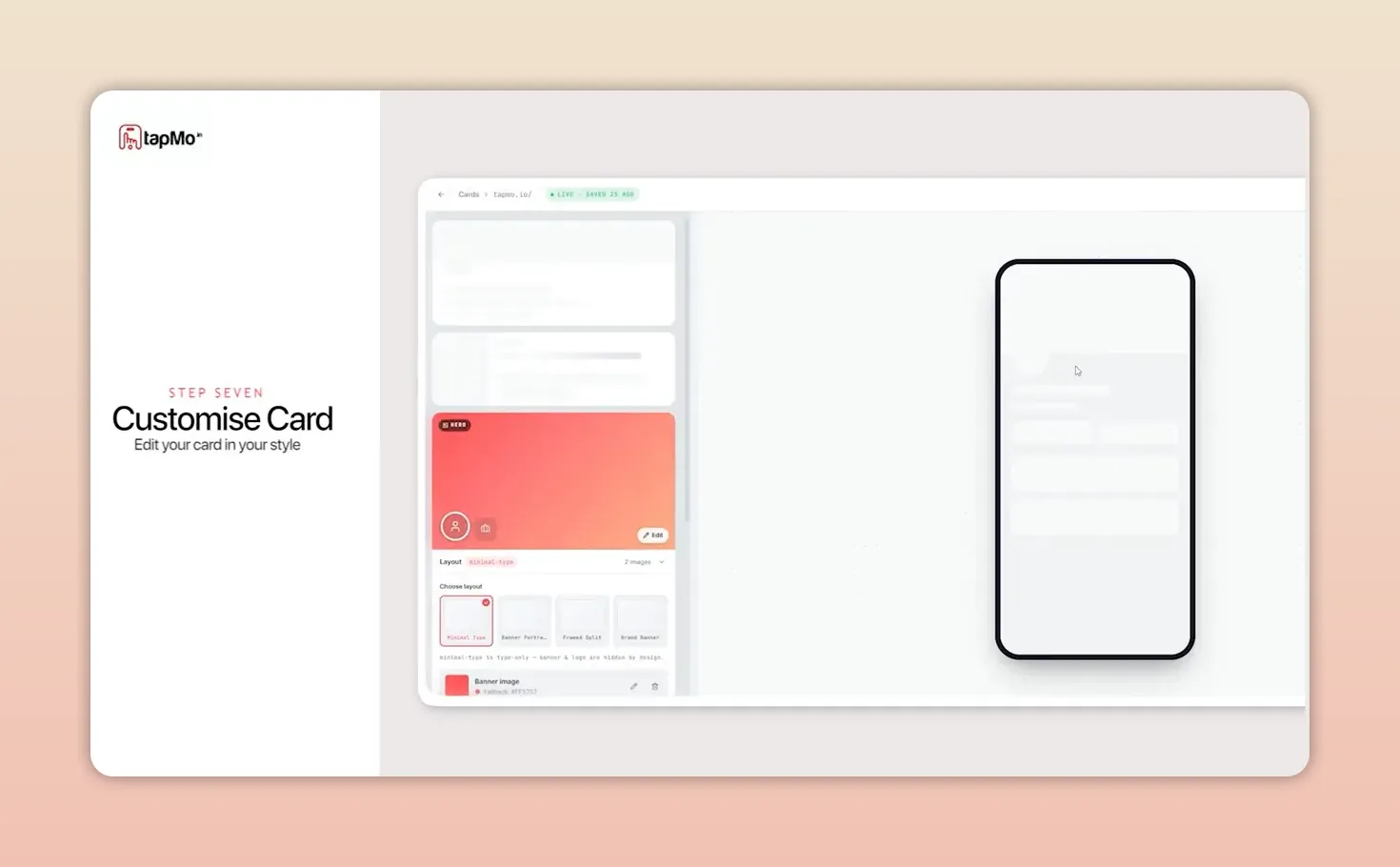
Your profile does not have to stay as it was on day one. Use Customize to change your card as your details evolve. That is the practical advantage of pairing a shareable digital profile with a business card: create it once, keep it current, and share it in the way that suits the conversation.
|
How to Create a Digital Business Card with TapMo | Complete Setup Guide | Lead Generator | NFC card