

What is an NFC Tag & How Do You Use One?
An NFC tag is a small wireless chip that shares digital information with a tap. It works without batteries by drawing temporary power from your phone’s magnetic field. You’ll see NFC tags in smart business cards, review cards, social sharing tools, and quick-access links.
An NFC tag turns a simple tap into an instant digital action.
You can use one to share contact details, open a website, collect reviews, or connect people with your social profiles. No app installation needed.
If you’ve searched for an NFC business card, NFC card, or smart business card, you’ve already encountered one of the most useful NFC tag formats.
What is an NFC tag?
An NFC tag is a small chip with a built-in antenna.
The chip stores a small amount of digital information. Your NFC-enabled smartphone reads that information when you bring it close.
NFC stands for Near Field Communication. It works over a short distance : usually a few centimetres.
Most NFC tags work without batteries. Your phone creates a small electromagnetic field. The tag draws temporary power from that field and sends its stored information back.
Think of an NFC tag as a tiny digital button.
You bring your phone close. The tag responds. Your phone opens a link or performs an action.
NFC tags commonly store:
- Website URLs
- Digital contact profiles
- Social media links
- Wi-Fi network details
- App download links
- Google review pages
- Product information
- Simple phone commands
The tag itself usually stores a link. That link then opens the complete digital experience.
How does an NFC tag work?
NFC uses short-range wireless communication at 13.56 MHz. You can read more about NFC chip technology through STMicroelectronics’ NFC guide.
Here’s what happens during a tap:
- You bring your phone close to the tag.
- Your phone creates a magnetic field.
- The passive tag receives temporary power.
- The tag shares its stored data.
- Your phone recognises the information.
- Your phone opens the link or suggested action.
You don’t need to pair the tag like Bluetooth. You don’t need to open a separate app.
Your phone simply reads the tag when it comes close enough.
NFC also uses a short range by design. That makes accidental connections less likely than longer-range wireless technologies.
What information can an NFC tag store?
NFC tags have limited memory. You shouldn’t use them to store large files, videos, or full websites.
Instead, you can store a short link that points to the right online destination.
For example, your NFC tag might open:
tapmo.io/yourname- Your LinkedIn profile
- Your Instagram page
- Your online portfolio
- A WhatsApp chat
- A Google review form
- Your company website
This approach keeps the tag simple.
You can also update the destination later when the tag uses a changeable digital link. That benefit makes NFC especially useful for networking and business promotion.
What are the different types of NFC tags?
NFC tags come in several physical formats. Each format suits a different situation.
1. NFC stickers
NFC stickers include a thin adhesive backing. You can place them on desks, posters, packaging, doors, counters, or equipment.
Common uses include:
- Opening a website
- Sharing Wi-Fi details
- Starting a phone shortcut
- Sharing product instructions
- Collecting customer reviews
- Connecting visitors with social media
Stickers work well when you want a discreet, affordable option.
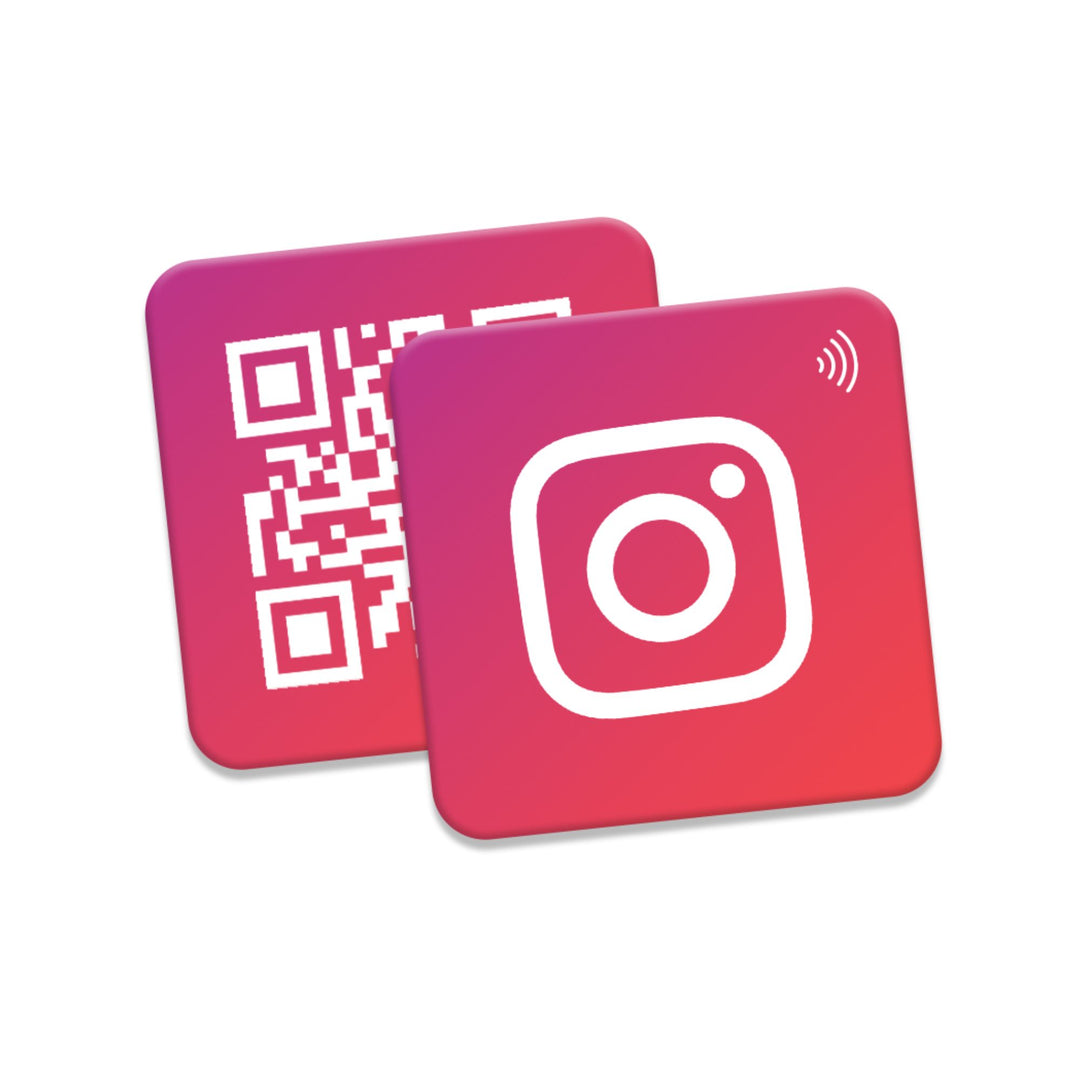
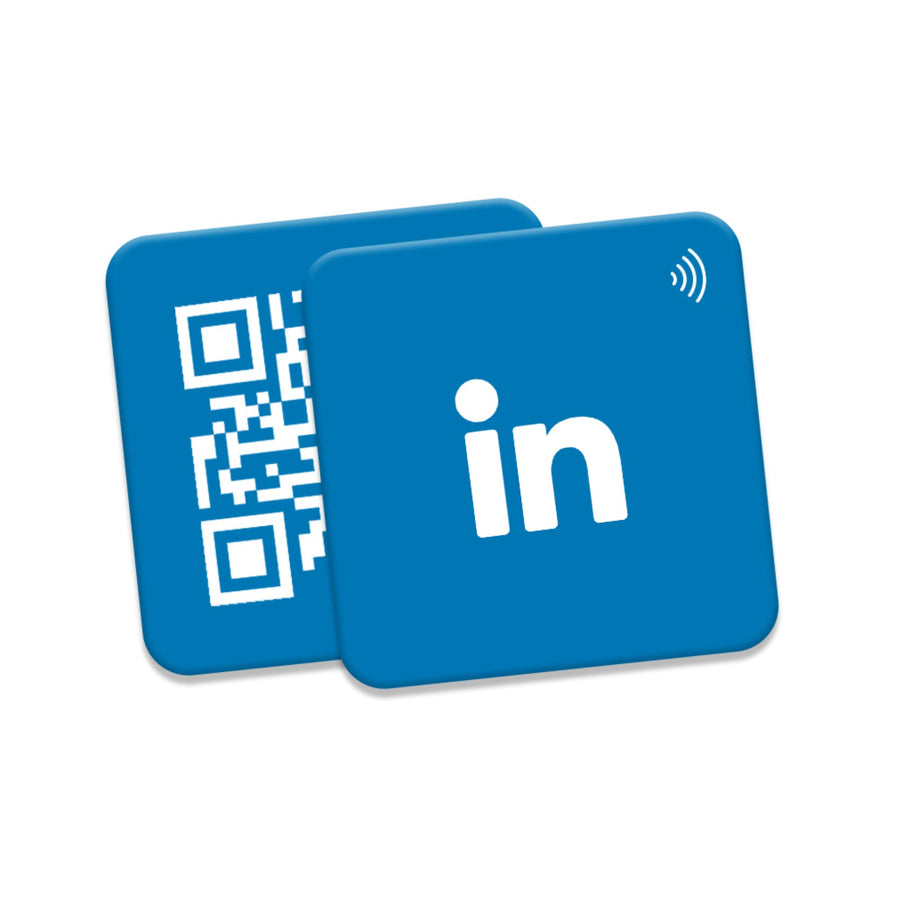
You can also print a QR code beside the NFC chip. That gives people two ways to access the same destination.
2. NFC cards
An NFC card looks similar to a standard bank card. It contains an NFC chip inside a plastic, wooden, or metal body.
People use NFC cards for:
- Digital business cards
- Access control
- Event identification
- Membership programmes
- Social media sharing
- Customer review collection
- Contactless information sharing
TapMo offers several NFC card formats, including PVC NFC cards, wooden NFC cards, and metal NFC business cards.
Cards remain popular because they feel familiar. They also give you enough space for your name, logo, QR code, and brand details.
3. NFC rings
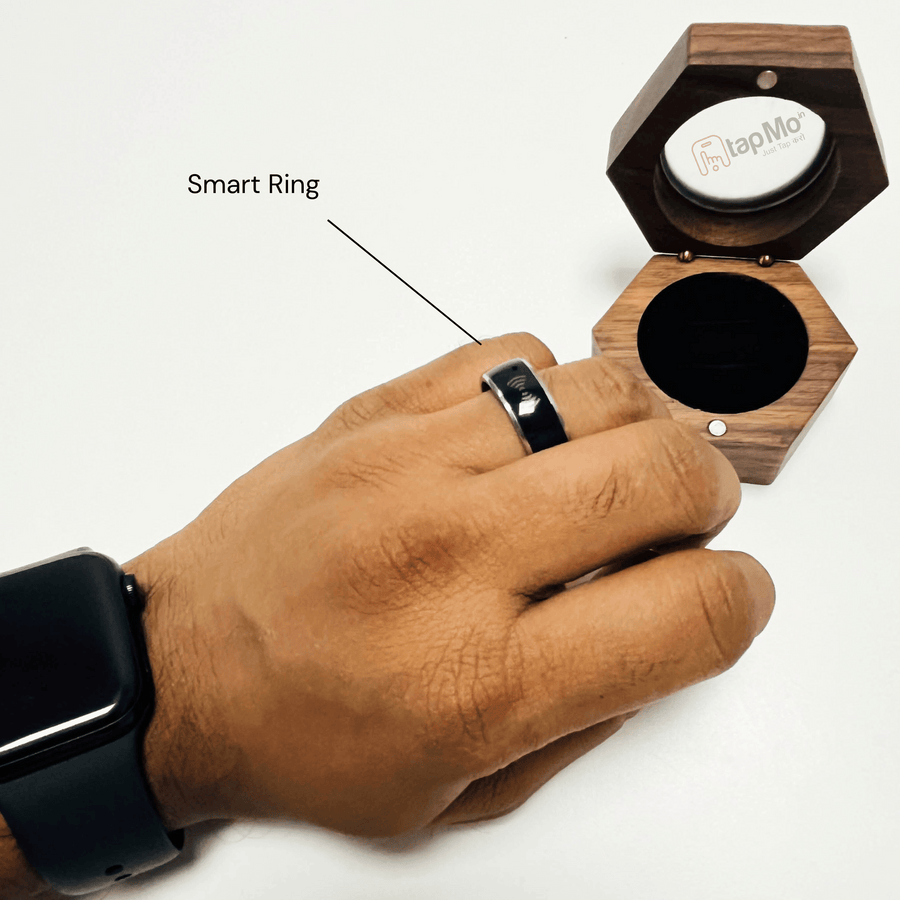
An NFC ring places the chip inside a wearable ring.
You can tap the ring against a compatible phone to share a link or profile. Rings suit people who want a hands-free accessory for quick sharing.
Common uses include:
- Sharing social profiles
- Opening a portfolio
- Sharing contact information
- Connecting at events
- Opening a personal website
- Triggering supported phone actions
TapMo’s NFC Smart Ring provides a wearable alternative to a traditional card.
4. NFC keychains and tokens
Keychains make NFC sharing convenient for daily use.
You can attach one to your keys, bag, desk drawer, or vehicle. Businesses can use tokens for product information, access, or simple customer interactions.
5. NFC wristbands and ID cards
Wristbands and lanyard cards work well for events, teams, gyms, and conferences.
TapMo also offers NFC Smart ID Cards with custom lanyards.
These formats combine identity, branding, and quick digital access.
What are NFC tag types Type 1 to Type 5?
NFC tags also have technical categories. These categories describe how the chips communicate and what systems they support.
You’ll commonly see:
- Type 1: Basic tags with small memory.
- Type 2: Common consumer tags for URLs and contact profiles.
- Type 3: Higher-capacity tags for specialised applications.
- Type 4: More advanced tags with stronger security options.
- Type 5: Tags designed for longer read distances and industrial uses.
You may also see chip names such as NTAG213, NTAG215, and NTAG216. These names usually describe the chip family and memory capacity.
For everyday networking, you don’t need to choose a technical chip type alone. Your supplier should match the chip with your intended use.
How do you use an NFC tag?
Using an NFC tag takes only a few steps.
Step 1: Choose your goal
Decide what you want people to see after tapping.
You might want to share:
- Your contact details
- Your LinkedIn profile
- Your business website
- Your portfolio
- A review page
- A payment link
- A product guide
Start with one clear action. People respond better when the result feels obvious.
Step 2: Add the destination link
Use a short, mobile-friendly URL.
Your link should open quickly and display correctly on smaller screens. Test it before encoding the tag.
For professional networking, a digital profile works better than a single social media link. It can include your phone number, email, company details, social profiles, services, and portfolio.
TapMo digital profiles support custom URLs, QR codes, NFC cards, and more.
Step 3: Write the tag
You can write an NFC tag with a compatible smartphone and an NFC writing app.
Some products arrive ready to use. Your supplier may configure the tag before delivery.
TapMo NFC products connect with a digital profile. You can share the profile through a tap, QR code, or custom link.
Step 4: Test the tag
Test the tag with more than one phone.
Check these details:
- The link opens correctly.
- The page works on mobile.
- Your contact buttons function.
- Your social links use the right accounts.
- The QR code scans properly.
- The tap works from different positions.
Don’t worry if the first tap needs slight adjustment. Move the phone slowly across the tag until you find the NFC antenna.
Step 5: Place or carry the tag
Position your tag where people can tap easily.
For a sticker, avoid placing it behind thick metal. Metal can interfere with NFC signals unless the tag includes the right protective design.
For a card, hold it close to the upper or middle back of an Android phone. iPhones usually read NFC near the top edge.
How does an NFC business card work?
A smart business card contains an NFC tag that points to your digital profile.
You hand someone the card. They bring their phone close. The phone opens your profile without requiring an app.
Your profile can include:
- Name and job title
- Phone number
- Email address
- Company information
- Social media profiles
- Website links
- Services
- Product details
- Portfolio images
- Lead forms
TapMo’s Smart Business Card collection includes premium metal options with custom engraving.
You can also explore the wider NFC business card collection, which includes metal, PVC, wooden, social media, review, and professional card options.
What can businesses use NFC tags for?
Businesses can use NFC tags across marketing, sales, service, and operations.
Share contact details
Sales professionals can share complete contact profiles during meetings, expos, and conferences.
One card can replace hundreds of paper cards.
Collect Google reviews
A customer can tap an NFC card or standee and reach your review page instantly.
TapMo offers Google Review NFC cards and standees for counters, reception desks, stores, clinics, and restaurants.
Grow social profiles
Creators and businesses can use NFC tags to share Instagram, YouTube, Facebook, or LinkedIn profiles.
Share portfolios
Freelancers, designers, photographers, consultants, and developers can send people directly to their work.
A tap removes extra searching. Your best work appears immediately.
Display product information
Retailers can place NFC tags on packaging or displays. Customers can tap to see specifications, videos, instructions, or warranty information.
Connect people to apps
An NFC tag can open an App Store or Google Play page. Customers can then download the correct app.
Share Wi-Fi access
Hotels, offices, cafés, and homes can use NFC tags to share Wi-Fi details quickly.
Only use this option in trusted spaces. Avoid sharing sensitive network information publicly.
Does every phone support NFC?
Many recent Android phones and iPhones support NFC. However, compatibility varies by device and operating system.
You can check TapMo’s compatible phone guide before choosing an NFC product.
Some older phones may not support NFC. Some phones may also require NFC settings or screen activation.
That’s why TapMo products can include QR codes as a backup. QR codes work with most smartphone cameras.
Are NFC tags safe?
NFC tags don’t automatically make a link safe.
They simply open the information you program into them. You should review unfamiliar links before entering passwords, payment details, or personal information.
Follow these simple precautions:
- Tap tags from trusted sources.
- Check the link before submitting information.
- Avoid unknown tags in public places.
- Keep sensitive data off basic tags.
- Lock the tag after final testing when needed.
- Use a secure website with HTTPS.
NFC tags work best when you keep the experience simple and trustworthy.
Why use an NFC tag for networking?
An NFC tag gives you more than a digital contact link.
It helps you share faster, present your brand better, and keep your information current. You can use one reusable card across meetings, events, customer visits, and social media campaigns.
TapMo combines NFC technology with a digital profile, custom design support, and multiple card materials. You can choose metal, PVC, wood, standees, rings, and other smart accessories.
Your details stay digital. Your first impression stays memorable.
It’s simple, reusable, professional, and instantly shareable.