

How to Use NFC Cards to Get More Google Reviews
Google review NFC cards and standees help you collect authentic customer feedback with one simple tap. Customers open your Google review page instantly, skip the search, and share honest reviews faster.
More genuine Google reviews can build trust and support local visibility. A google review card makes the process faster for customers.
Your team can offer one simple action:
Tap the card. Open Google. Share honest feedback.
No app installation. No long search process. No typing your business name.
What is a Google review NFC card?
A google review NFC card contains a small NFC chip. You program that chip with your official Google review link.
When a customer taps their phone on the card, their browser opens the review page. They can then choose a rating and write their feedback.
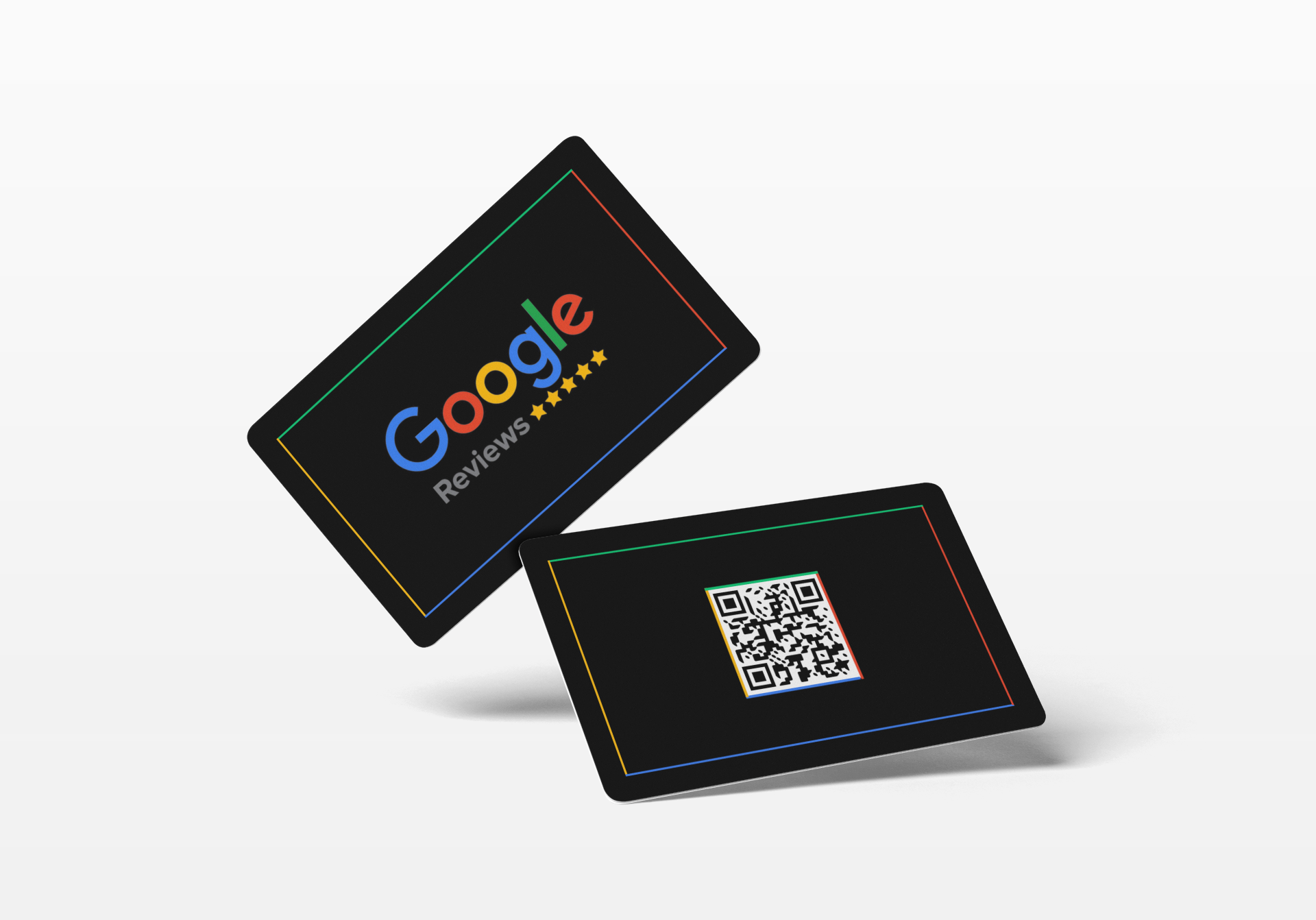
Most effective cards also include a QR code. Customers can scan the code if their phone lacks NFC support.
This gives you two simple options:
- NFC tap for compatible Android and iPhone devices
- QR scan for almost every modern smartphone
- One direct review link for both methods
- No app required for customers
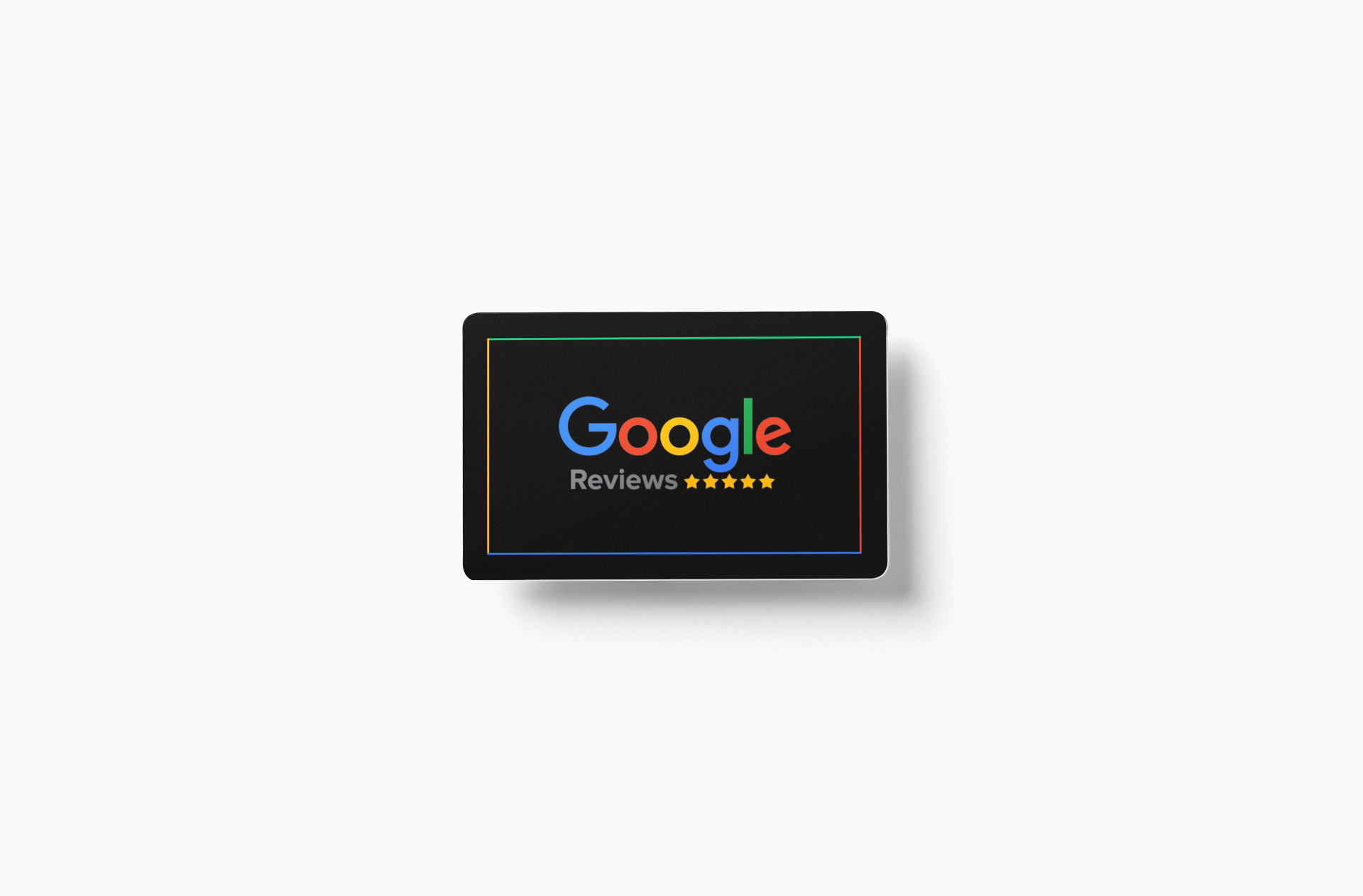
TapMo’s Google Review NFC Smart Card supports tap and scan interactions. Its customizable design also lets you add your logo and brand colors.
How does an NFC card for Google reviews work?
The process has four basic parts:
- Your Google Business Profile
- Your official Google review link
- An NFC chip
- A printed QR code
Your business profile supplies the destination. The NFC chip and QR code direct customers there.
Google lets businesses create a review link or QR code from their Business Profile. Follow Google’s official review-link instructions before preparing your card.
The link should open your real Google review page. Avoid links that prefill ratings or review text.
Customers must sign into a Google Account before leaving a review. Google also allows customers to create an account with a non-Gmail address.
How to set up your Google review card
1. Check your Google Business Profile
First, confirm your profile details.
Review these items:
- Business name
- Address
- Phone number
- Opening hours
- Primary category
- Website
- Business location
Correct details help customers recognize the right listing. They also reduce confusion when several businesses share similar names.
Your profile should also show the option to write a review.
2. Copy your official review link
Open your Google Business Profile on a computer.
Then:
- Select Read Reviews.
- Select Get more reviews.
- Copy the review link.
- Save the link in your business records.
- Test the link in a private browser window.
Use a separate link for each business location. This prevents customers from reviewing the wrong branch.
3. Add the link to the NFC chip
Your card provider can usually configure the chip for you. Give them the official review link for your location.
The chip should open the review page directly. Avoid sending customers through several unnecessary pages.
Test the NFC card with different devices before using it publicly. Try:
- A recent iPhone
- A recent Android phone
- An older compatible smartphone
- A phone with NFC switched off
- A phone using the QR code
TapMo cards work with compatible iPhone and Android devices. Customers without NFC can use the printed QR code. You can check supported devices through TapMo’s phone compatibility guide.
4. Print a clear message
Keep the card easy to understand.
Good card copy includes:
- “Tap to review us on Google”
- “Share your experience”
- “Scan or tap to leave feedback”
- “Your feedback helps our team”
Use large text and strong contrast. Leave enough space around the QR code.
Customers should understand the card within seconds.
Where should you place your Google review card?
Placement affects usage. Put the card where customers naturally pause.
At your checkout counter
Checkout creates a clear handoff moment. Staff can point to the card after completing the transaction.
Use a short script:
“If you have a moment, you can share honest feedback on Google. Just tap or scan this card.”
Keep the request optional. Let customers decide whether they want to review.
At reception or the front desk
Clinics, salons, hotels, offices, and service businesses can keep a card near reception.
Place it beside:
- The payment terminal
- Appointment paperwork
- Visitor sign-in areas
- Collection counters
- Customer support desks
Make the card visible without blocking other important information.
On tables and counters
Restaurants, cafés, and salons can use a tabletop display. Customers often have a few quiet minutes before leaving.
A small NFC card for Google reviews can sit beside the bill folder or receipt holder.
Avoid placing it where food, water, or cleaning products can damage it.
Inside packaging and delivery orders
Add a review card to product packaging or delivery bags. Customers can review your service after they receive and use the product.
This timing works especially well for:
- Restaurants
- Home-service businesses
- Retail stores
- D2C brands
- Repair services
- Gift businesses
Include the QR code on the insert. Customers can scan it later.
At events and trade shows
Use review cards at booths, kiosks, and event counters. A standee works better than a loose card in busy spaces.
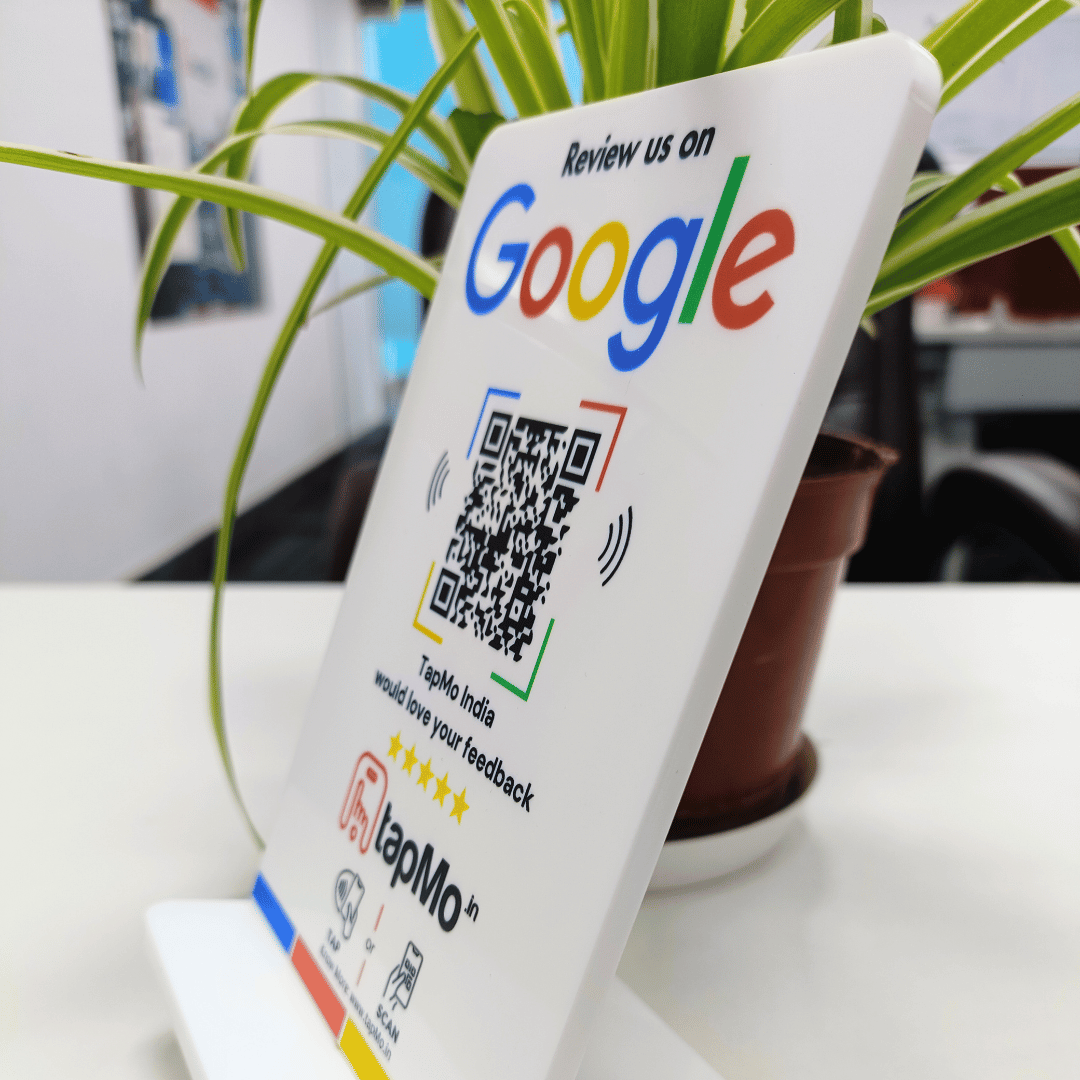
TapMo’s Google Review Standee gives customers a fixed tap-and-scan point. Its customizable format suits reception desks, restaurants, clinics, and retail counters.
When should you ask for a review?
Timing matters more than pressure.
Ask after a clear positive moment:
- A customer compliments your service
- Your team solves a problem
- A client completes an appointment
- A guest finishes a successful visit
- A buyer confirms satisfaction
- You deliver a smooth experience
Your request should sound natural. Keep it brief.
Try:
“We’re glad you had a good experience. You can leave honest feedback on Google by tapping this card.”
Do not tell customers to leave five stars. Do not suggest specific words.
Let customers describe their own experience.
How can you increase review volume ethically?
An NFC card removes friction. Your customer experience still drives the result.
Use these practical habits:
- Ask every customer through the same process.
- Train every team member on one short script.
- Keep the card visible and clean.
- Use one card at each important touchpoint.
- Add the review link to thank-you emails.
- Include the QR code on receipts.
- Send the link after completed appointments.
- Check the card every week.
- Test the tap and QR code regularly.
- Track reviews by location and date.
Google specifically recommends sharing review links and QR codes on receipts, thank-you emails, chats, and in-store displays. See Google’s tips for getting more reviews.
Consistency creates more opportunities. Better service creates better feedback.
How can you improve your average rating?
You cannot ethically guarantee a higher rating. You can create better experiences and make honest feedback easier.
Focus on these actions:
- Fix recurring service problems.
- Improve waiting times.
- Clarify prices before payment.
- Train staff to communicate clearly.
- Follow up after complaints.
- Review feedback during team meetings.
- Thank customers for useful comments.
- Respond to both positive and negative reviews.
Ask all customers. Do not show the card only to customers who seem happy.
That practice creates review gating. It can misrepresent customer sentiment and violate Google’s policies.
Google prohibits incentives for reviews. Never offer discounts, gifts, refunds, or contest entries in exchange for positive feedback.
Never write reviews for customers. Never ask staff or friends to post fake reviews.
How do Google reviews support local SEO?
Reviews help your business stand out in Google Search and Maps. They also give potential customers more information before they contact you.
A steady flow of genuine reviews can support your local marketing by improving:
- Customer trust
- Click confidence
- Brand credibility
- Freshness of customer feedback
- Visibility in local searches
Reviews alone cannot guarantee rankings. Google considers several factors, and customer feedback remains only one part of your local presence.
Your review strategy should work alongside:
- Accurate Business Profile details
- Updated opening hours
- Strong service pages
- Local contact information
- Helpful website content
- Fast, professional review replies
Respond to reviews with specific, human answers. Google recommends keeping replies professional, relevant, and conversational. Read its guidance on managing customer reviews.
Which card format should you choose?
Choose based on your customer journey.
A handheld card suits:
- Sales counters
- Service professionals
- Delivery teams
- Reception desks
- Personal handoffs
A standee suits:
- Restaurants
- Clinics
- Salons
- Hotels
- Retail stores
- Event booths
TapMo offers Google review cards and NFC products in practical formats. You can also explore TapMo digital cards for broader profile sharing.
Both formats support the same principle:
Give customers one clear path to honest feedback.
Your Google review card checklist
Before you launch, confirm each item:
- Your Google Business Profile stays verified.
- Your review link opens the correct location.
- Your NFC chip opens that link.
- Your QR code opens the same link.
- Your message stays short and clear.
- Your team asks customers politely.
- Every customer receives the same opportunity.
- You offer no review incentives.
- You avoid rating instructions.
- You respond to incoming feedback.
- You test each card regularly.
A Google review card works best when technology supports a strong customer experience.
It’s simple, credible, and consistently effective.