

NFC vs. QR Code: Which Is Better For Your Smart Business Card?
NFC smart cards make in-person networking faster and smoother. QR codes add wider compatibility and easy scanning. Use both together, and you get the best mix of speed, reach, and flexibility from one smart business card.
Make every introduction faster, smoother, and more memorable. An NFC business card helps you share your details with one tap.
But QR codes still matter. They offer broad compatibility and flexible scanning options.
So, which option works better for your smart business card?
For face-to-face networking, NFC usually delivers the better experience. QR codes remain valuable as a practical backup.
What makes NFC and QR codes different?
NFC and QR codes both connect people to your digital profile.
They simply use different actions.
- NFC: Your contact taps their phone against your card.
- QR code: Your contact opens their camera and scans the printed code.
- Both: They can open your digital profile, contact details, portfolio, or social links.
An NFC chip uses short-range wireless technology. It works within a few centimetres.
A QR code uses a visual pattern. Your phone camera reads that pattern and opens its linked destination.
That difference shapes speed, convenience, and reliability.
NFC wins for speed and seamless sharing
Networking often happens quickly. You may meet someone between sessions, during a pitch, or at a crowded expo.
You need a sharing method that keeps the conversation moving.
NFC reduces the process to a simple action:
- Hold your card near the phone.
- Let the phone detect the NFC chip.
- Open the shared profile.
Your contact usually doesn’t need a special app. TapMo cards work with compatible iPhone and Android devices.
QR codes require more steps:
- Unlock the phone.
- Open the camera.
- Point the camera at the code.
- Wait for recognition.
- Tap the notification or link.
That process still feels familiar. However, it creates more opportunities for delay.
Lighting, camera focus, glare, and distance can affect the scan. NFC avoids those visual problems.
The result feels natural: tap, open, connect.
Which option creates a better user experience?
Your card represents your professional image. The sharing experience should support that image.
An NFC tap feels quick and intentional. Your contact doesn’t need to aim a camera at your card.
That matters in busy environments. People may stand close together, move between conversations, or carry items in both hands.
NFC also creates a small moment of surprise. The card looks physical, but the information appears digitally.
You can share:
- Your phone number
- Your email address
- Your company website
- Your social profiles
- Your portfolio
- Your location
- Your appointment links
- Your WhatsApp profile
A QR code feels more familiar. Most people understand it from payments, restaurant menus, and event posters.
That familiarity helps. Some people may still prefer scanning, especially on phones without NFC.
The best user experience gives people an easy choice.
Use NFC as the primary action. Keep a QR code available when needed.
NFC performs better in difficult environments
Your networking environment can change quickly.
You might meet someone in a dim conference hall. You might exchange details outside under bright sunlight.
You might hand over your card at a crowded booth. You might use a glossy card under strong overhead lighting.
QR codes depend on visual conditions. Scanning can slow down when you face:
- Low light
- Glare
- Reflections
- Blurry camera focus
- Small code size
- Scratches or faded printing
- Unusual viewing angles
NFC doesn’t rely on the camera. It uses radio communication instead.
That makes tapping more consistent in challenging conditions. Your contact simply brings the phone close to the card.
TapMo’s compatible phone guide lists supported devices. TapMo also notes that QR codes work with most smartphones.
So, don’t worry about excluding anyone. A QR backup helps people connect when NFC doesn’t suit their device.
Which option lasts longer?
Durability depends on the card material and everyday use.
A QR code has no electronic component. If the printed code stays clear, it can continue working.
However, heavy use can affect the print. Scratches, fading, dirt, and smudges can reduce scan reliability.
NFC technology places the chip inside the card. The chip can keep working for years when you handle the card normally.
Your card material also makes a difference.
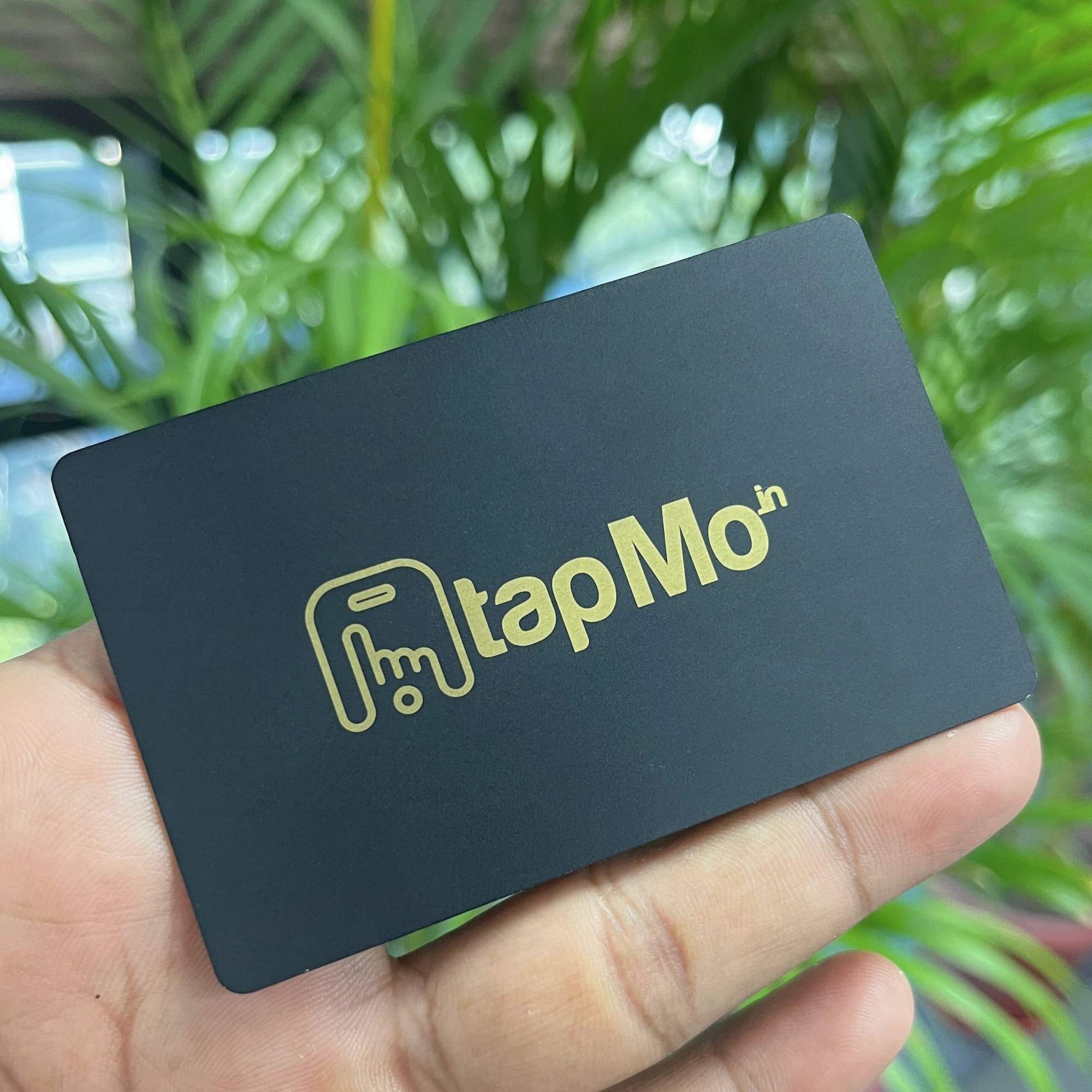
TapMo offers several durable formats, including:
- Metal cards with laser engraving
- Wooden NFC cards
- PVC smart cards
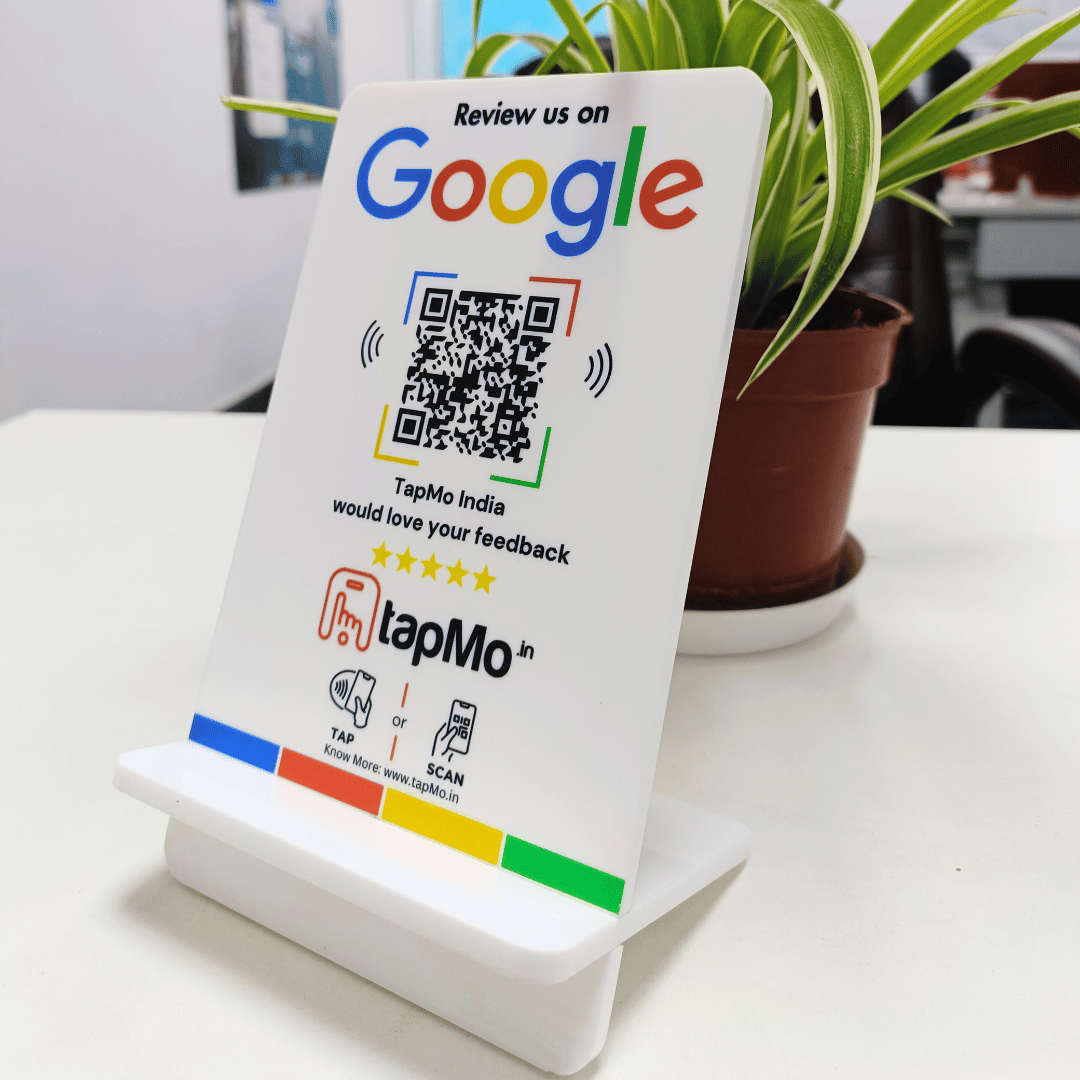
- NFC-enabled standees
A metal card gives you a sturdy daily networking tool. A wooden card gives you a renewable alternative with a natural finish.
A PVC card offers lightweight, practical performance. Each format supports repeated digital sharing.
TapMo’s smart business card collection includes these material options.
QR codes still offer important advantages
NFC works best at close range. Your contact must bring the phone near the card.
QR codes work from a greater distance. That makes them useful for larger formats and shared spaces.
You can place a QR code on:
- Event banners
- Presentation slides
- Email signatures
- Posters
- Product packaging
- Office displays
- Social media graphics
- Digital screens
QR codes also work on phones without NFC support. They only need a camera and a browser.
That makes QR codes highly accessible. They also cost little to print.
For a personal card, QR codes provide a useful second option. For a standee or poster, they can support people who cannot tap.
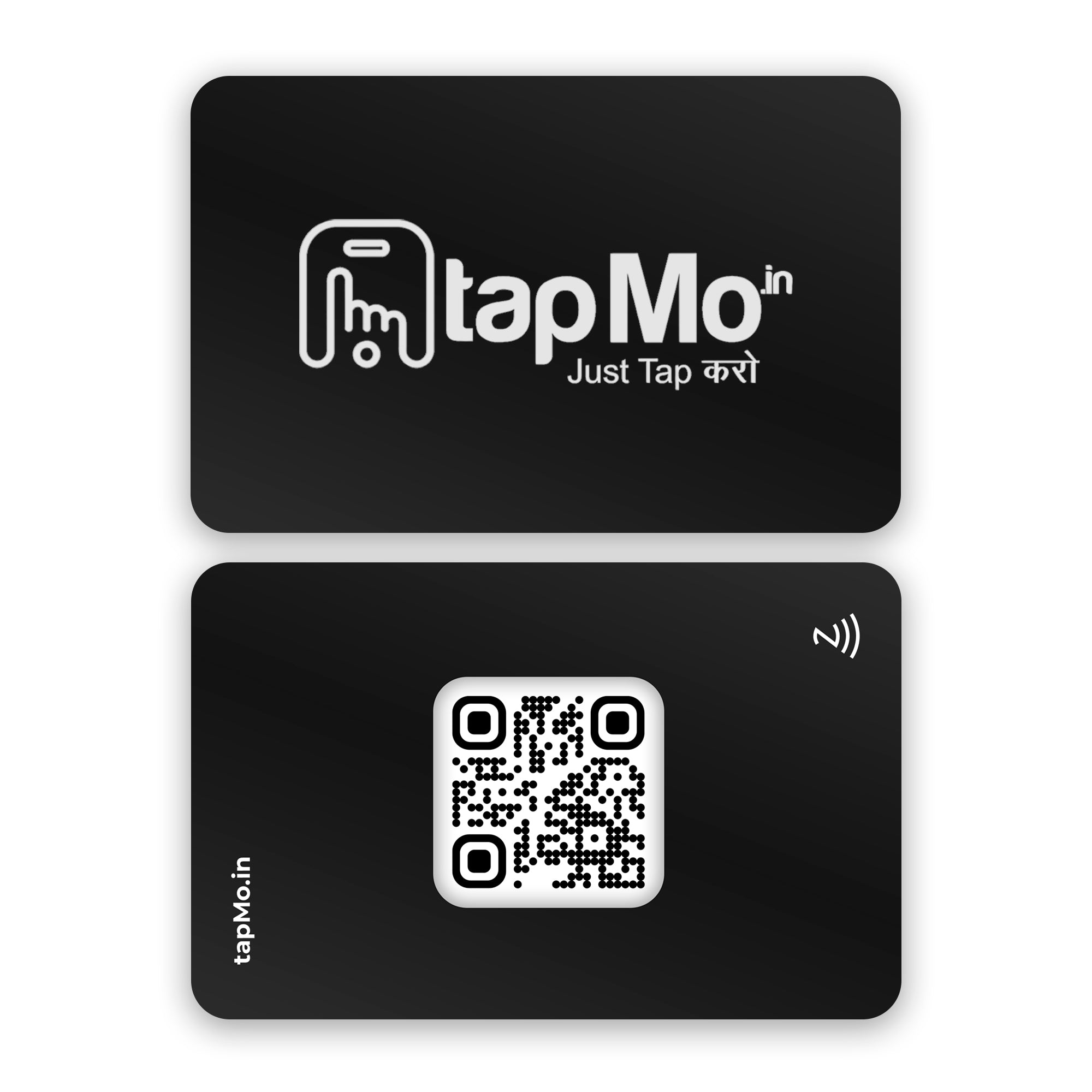
TapMo offers both NFC and QR-enabled products. For example, the NFC card with your logo and QR code combines both sharing methods.
NFC and QR codes work better together
You don’t need to choose only one technology.
A combined smart business card gives you flexibility. Your preferred audience can tap, while everyone else can scan.
This approach works well for:
- Corporate teams
- Sales professionals
- Freelancers
- Consultants
- Creatives
- Real estate agents
- Doctors and clinics
- Event exhibitors
- Small business owners
Use NFC when you meet people in person. Use the QR code when distance or compatibility creates a barrier.
Your digital profile remains the central destination. The NFC chip and QR code simply provide different paths.
TapMo gives you a digital profile through a custom TapMo link. You can update that profile whenever your details change.
You don’t need to print new cards after changing a phone number or social profile.
That gives your digital business card a longer working life. Your physical card continues sending people to the latest information.
What about phone compatibility?
Most newer smartphones support NFC. TapMo supports compatible iPhone and Android devices.
Still, compatibility can vary by model, operating system, settings, and phone case.
Some users may also keep NFC disabled. Others may use older or budget phones without NFC support.
A QR code solves those situations.
Your card can include a clearly visible QR code. People can scan it without downloading an app or joining a platform.
TapMo’s Why TapMo Card page highlights compatibility, no app requirement, and lifetime digital card validity.
That combination reduces common concerns before they affect your conversation.
Which option should you choose?
Choose NFC first when you want:
- Faster in-person sharing
- A smoother networking experience
- Better performance in poor lighting
- A premium, modern impression
- Repeated sharing without paper waste
- A reusable professional identity
Choose QR codes first when you need:
- Longer-distance access
- Broad phone compatibility
- Easy sharing from screens or posters
- A low-cost printed option
- Simple access for unfamiliar users
Choose both when you want the most complete experience.
An NFC business card gives you speed. A QR code gives you reach.
Why TapMo fits modern networking
TapMo combines physical design with a flexible digital profile.
You can select a card that matches your professional style. Choose metal, wood, or PVC.
Then, share your details through one tap. People don’t need the TapMo app.
You also receive design assistance before production. TapMo creates a preview for your approval.
Your card remains valid for life. You don’t need monthly or yearly subscriptions.
You can also update your digital profile without replacing the card.
For businesses, TapMo supports consistent networking across teams. For individuals, it helps you share more than a phone number.
Your card can carry your professional identity, portfolio, and social presence in one place.
TapMo also offers digital card solutions for people who want flexible online sharing.
NFC or QR code: the practical verdict
For a face-to-face smart business card, NFC offers the stronger primary experience.
It feels faster. It avoids camera friction. It works without lighting concerns.
QR codes remain essential for accessibility and distance. They help more people reach your profile in more situations.
So, the most practical setup uses NFC for tap-to-share and QR for backup.
You get speed, compatibility, and flexibility from one card.
Your next introduction can feel simple, seamless, and confidently professional.